Blog
Scheduled Tasks: The Work That Runs Itself
Every business has a set of chores that only happen if a person remembers to do them. Send the appointment reminders. Run the end-of-day report. Sync yesterday's orders into the accounting tool. Follow up with the customers who went quiet. They are easy to forget, easy to do late, and they tend to leave with the one employee who always did them.
A scheduled task fixes that. It is code that runs on its own, on a schedule you set, with no one clicking anything. The reminder goes out at 8am whether or not anyone thought about it. This post is what that looks like across a day, what is worth automating, and what separates a reliable scheduled task from a script that quietly stops working.
The short version
A scheduled task turns "someone has to remember" into "it just happens." The value is not clever code, it is consistency: the job runs on time, the same way, every time, including the times no one is watching.
A day of work you never have to think about
Picture the recurring jobs a normal business runs. Now picture them firing on their own, spread across the day and night, without a person in the loop.
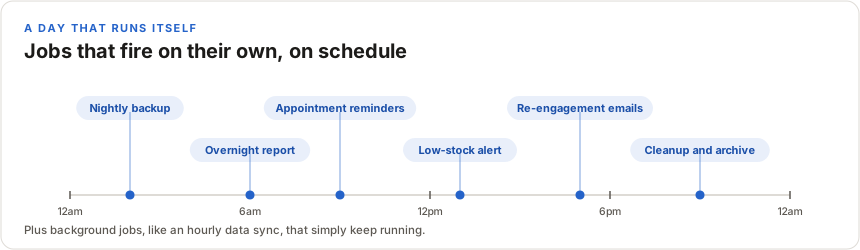
Some run once a day at a quiet hour. Some run every hour in the background. None of them need a person to remember, log in, and press go.
Why it is worth doing
The benefit is not really about saving a few minutes. It is about reliability and taking a class of work off people's minds entirely.
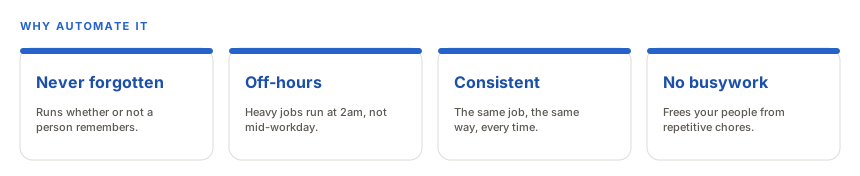
The consistency one matters most. A person doing a manual task will eventually skip it, do it differently, or leave. A scheduled task does it the same way on the day it is busy and the day someone is on vacation.
What businesses actually automate
The jobs in the timeline are not hypothetical. These are the common ones:
- Reminders and follow-ups. Appointment reminders, renewal notices, re-engagement emails to customers who went quiet.
- Reports. A summary emailed to you every morning, built from yesterday's data, with no spreadsheet work.
- Data syncs. Move records between two systems on a schedule instead of exporting and re-importing by hand.
- Cleanups and maintenance. Archive old records, clear stale data, take a nightly backup.
- Time-based business rules. Expire subscriptions, release holds, flag low stock, close out stale orders.
If you build on a platform like nopCommerce, a task scheduler is already built in, which is one of the reasons it works well as a base for custom apps. On a custom .NET app, the same capability is straightforward to add.
The part that is easy to get wrong
Here is the honest caveat, because a scheduled task is easy to start and easy to get subtly wrong. The naive version is a script on a timer. The reliable version handles the ways it can fail, and that difference is the whole job.
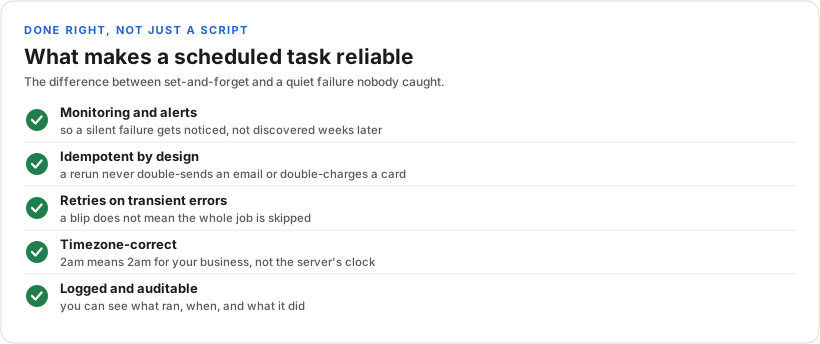
The failure mode that bites people is the silent one. A task stops running, nobody notices for a month, and then the reminders never went out or the report was never built. A task worth relying on tells you when it breaks, never repeats work it already did, and keeps a record of what it ran. That is the difference between automation you can trust and a quiet liability.
And not everything should be automated. Anything that needs a judgment call still wants a person. Scheduled tasks are for the repetitive, rule-based work, not the decisions.
Bottom line
If your business has recurring work that depends on someone remembering, that work is a candidate to run itself. Done well, a scheduled task is consistent, runs at hours no one wants to work, and quietly takes a chore off the team's plate for good. Done carelessly, it fails without telling you, so the engineering around it matters as much as the task.
Related work
nopCommerce development
-

nopCommerce
B2B portal with back-office inventory sync
Shield Healthcare's Partnership Program is a B2B portal giving healthcare professionals discounted pricing on more than 3,000 name-brand medical supplies. I worked on the nopCommerce store behind it, including the integration that keeps its catalog in step with their back-office inventory system.
-
nopCommerce
Custom nopCommerce Plugin Development
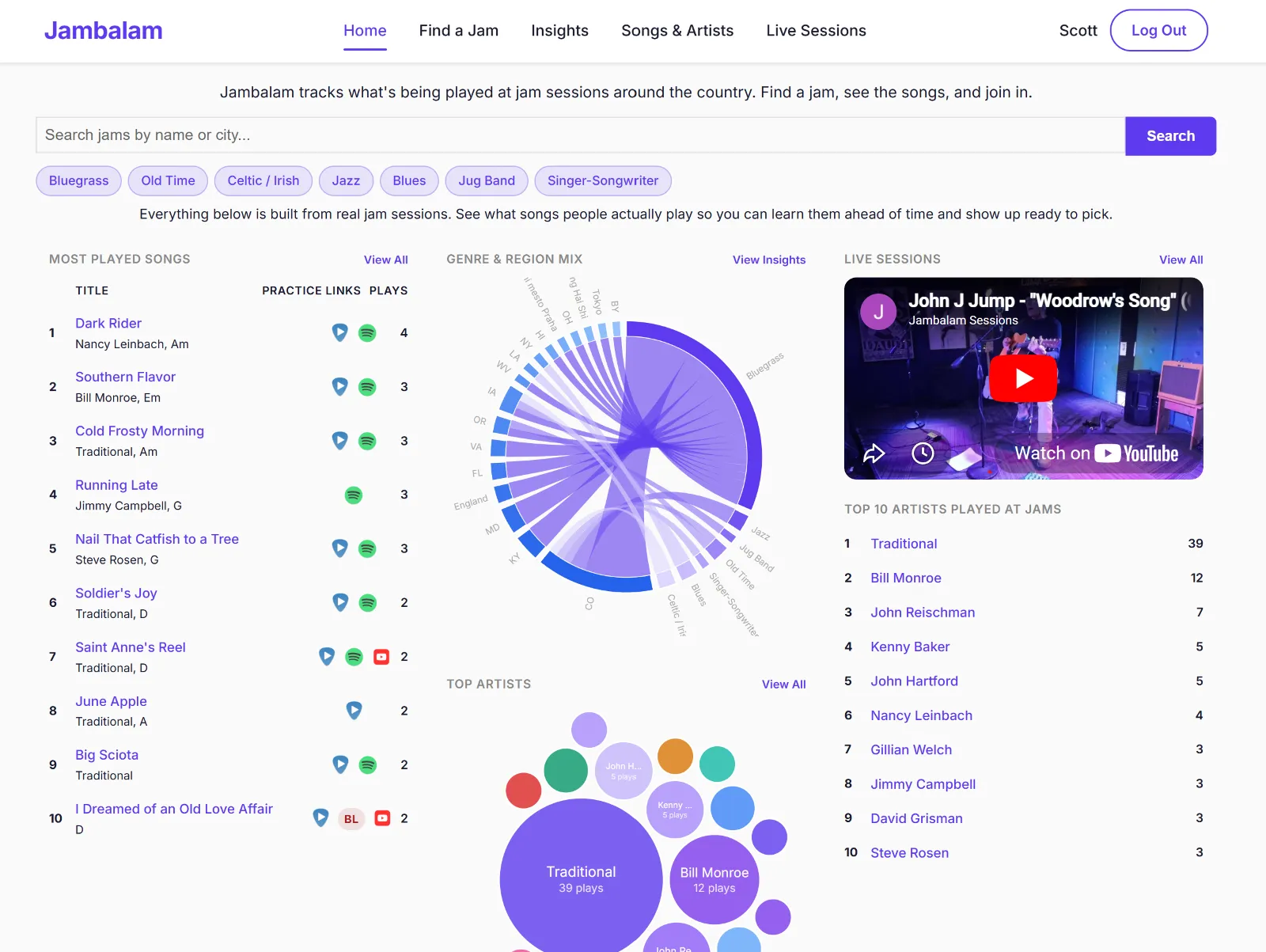
Jambalam is a live community platform where jam-session musicians log what they played, where, and in what key — turning scattered musical knowledge into searchable data, maps, and trend visualizations. I architected it as a custom nopCommerce plugin — extending the platform through its plugin model rather than forking it — and took it from idea to production on my own: backend, AI, payments, and data viz.
-
nopCommerce
Legacy .NET replatform to nopCommerce
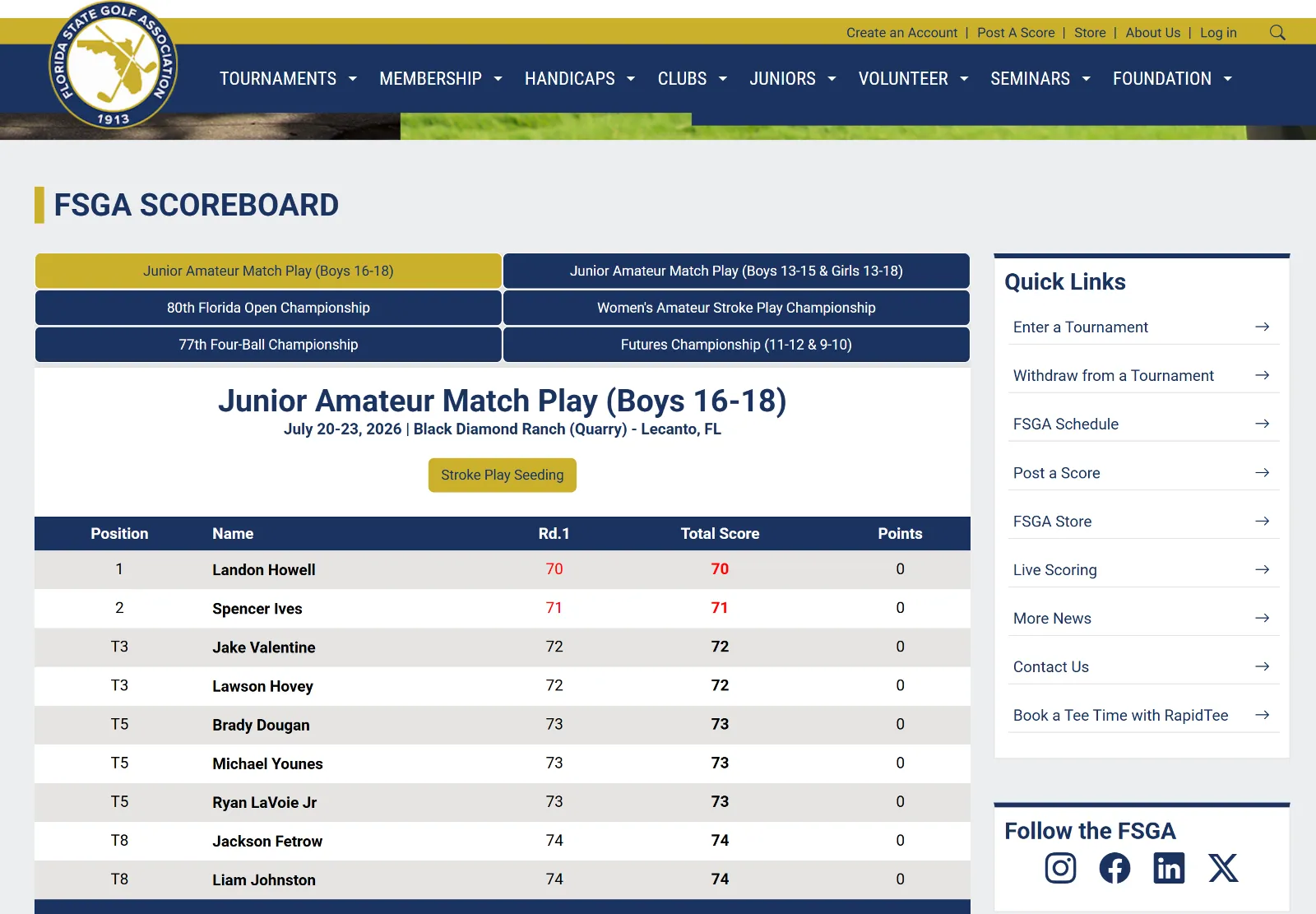
The Florida State Golf Association ran on a custom .NET platform built twelve years earlier that Microsoft no longer supported. The site's main job is golf tournament sign-ups, so the replacement had to handle traffic spikes, take payments securely, and work properly on phones. I was part of the team that moved it onto nopCommerce.


